Trello for Teams: Mastering Collaboration in a Remote World
📅
The modern workplace has undergone a seismic shift. Teams are no longer confined to traditional office spaces, but are distributed across cities, countries, and even continents. While 74% of professionals believe remote work is the future, many companies struggle with the challenges of maintaining productivity and team cohesion when employees are geographically dispersed. This rise of remote, hybrid, and distributed teams presents exciting opportunities, but also poses significant challenges. How do you ensure seamless communication, maintain efficient workflows, and cultivate a strong team culture when everyone is working from different locations?
 A significant part of the answer lies in leveraging the right tools, and that's where Trello shines.
 Ready to elevate your remote team's collaboration? Begin optimizing your Trello workflow today!
We'd love to hear your personal Trello tips and experiences! Share them in the comments section below.
Ready to elevate your remote team's collaboration? Begin optimizing your Trello workflow today!
We'd love to hear your personal Trello tips and experiences! Share them in the comments section below.
Effective communication and collaboration are essential for remote teams, and video conferences, like the one shown here, are a key component of maintaining team cohesion.
Why Trello? A Visual Collaboration Tool for the Modern Team
Trello is more than just another project management platform; it's a visual collaboration hub meticulously designed to empower teams to work together effectively, regardless of their physical location. Its intuitive interface, adaptable boards, and robust features make it an ideal solution for managing projects, tracking progress, and fostering clear communication within remote environments. Imagine Trello as your team's virtual whiteboard, a dynamic space where ideas are captured, tasks are assigned, and progress is visualized in real-time. It serves as a central source of truth, ensuring everyone remains on the same page, minimizing confusion, and maximizing transparency.What You'll Learn in This Guide
This comprehensive guide equips you with the knowledge and strategies necessary to harness Trello's full potential for your remote team. We'll explore everything from setting up your workspace to streamlining communication, optimizing workflows, and delving into advanced features. By the end of this guide, you'll be able to:- Structure your Trello workspace for optimal team performance.
- Enhance communication and feedback processes within Trello.
- Optimize workflows for remote teams using Trello's powerful features.
- Utilize Trello's collaboration features to foster teamwork and innovation.
- Implement advanced Trello tips and tricks to elevate remote collaboration.
Setting Up Your Trello Workspace for Team Success
A well-organized Trello workspace is paramount for effective remote collaboration. Here's how to configure yours for success:Creating a Team and Defining Roles
Begin by creating a Trello team to unite all your members within a single digital space. Then, clearly define roles and responsibilities to ensure accountability and prevent ambiguity. Assign specific roles such as Project Manager, Task Lead, or Content Creator. Clearly outline the responsibilities associated with each role to ensure everyone understands their contribution. Control access and modification permissions for boards and cards to maintain data security and prevent unauthorized changes.Structuring Your Boards: Best Practices for Organization
Consider your Trello boards as virtual project rooms. Structure them logically to mirror your team's workflow. Employ clear and consistent naming conventions for your boards. For example, "Project X - Q3 2024" or "Marketing Campaigns - August." The classic Kanban approach works exceptionally well. Create lists that represent the different stages of your workflow, such as "To Do," "In Progress," "Review," and "Done." Save valuable time and maintain consistency by creating templates for recurring projects and tasks. This allows you to quickly establish new boards with pre-defined lists, cards, and checklists.Integrating Trello with Other Essential Tools
Trello's capabilities are amplified when integrated with other tools your team relies on daily. Integrate Trello with Slack to receive real-time notifications about card updates, comments, and approaching due dates directly within your Slack channels. For example, set up a rule that any time a card is moved to the "Urgent" list, a notification is sent to a dedicated Slack channel, ensuring immediate attention. Seamlessly attach files from Google Drive, Dropbox, and other cloud storage services to Trello cards for effortless access. Imagine a design team using Google Drive to store mockups; they can easily link these mockups to specific Trello cards for feedback and approval. Explore Trello's extensive library of Power-Ups to add specialized functionality to your boards. Consider utilizing the Calendar Power-Up for visualizing deadlines or the Voting Power-Up for efficiently gathering team opinions. For instance, a product development team can use the Voting Power-Up to prioritize feature requests based on team consensus.Mastering Communication and Feedback within Trello
Clear and consistent communication is the bedrock of successful remote teams. Trello offers a suite of features designed to facilitate effective communication.Using Comments and Mentions for Clear Communication
Utilize @mentions to directly notify specific team members about updates, questions, or assigned tasks. Transform comments into actionable tasks by assigning them to specific team members and setting clear deadlines.Utilizing Card Descriptions for Detailed Instructions and Context
Provide comprehensive instructions and relevant context within the card descriptions to ensure everyone has a clear understanding of the task at hand. Include links to pertinent documents, resources, and websites within the card descriptions for easy reference.Implementing Checklists for Task Breakdown and Progress Tracking
Deconstruct complex tasks into smaller, more manageable subtasks using checklists. Assign checklist items to specific team members to ensure accountability and track individual progress effectively.Establishing Communication Protocols and Guidelines
Establish clear guidelines for expected response times and preferred communication channels to prevent delays and ensure timely communication. For example, define that all urgent requests should be communicated via Slack, while non-urgent questions can be posted as comments on Trello cards. Cultivate a culture of open and honest feedback within your team. Encourage team members to share their thoughts and suggestions openly and constructively. Implement a "no blame" policy to foster a safe environment for sharing concerns and identifying areas for improvement.Optimizing Workflows for Remote Teams Using Trello
Trello's inherent flexibility allows you to tailor your workflows to precisely match your team's unique needs.Visualizing Project Progress with Kanban Boards
Familiarize yourself with the Kanban methodology, which emphasizes visualizing workflow, limiting work in progress, and continuously improving processes. Customize your Trello lists to accurately reflect your team's specific workflow.Automating Repetitive Tasks with Butler (Trello's Automation Tool)
Leverage Butler to automate repetitive tasks, such as automatically moving cards to the "Done" list when all checklist items are completed. Configure Butler rules to automatically send due date reminders and notifications to relevant team members.Prioritizing Tasks and Managing Deadlines Effectively
Utilize labels to categorize and prioritize tasks based on urgency, importance, or project type. Set due dates and reminders for all tasks to ensure timely completion.Adapting Agile Methodologies to Trello
Use Trello to facilitate sprint planning and retrospective meetings. Adapt Scrum principles to your Trello boards to manage projects in an iterative and incremental manner. Here's a simplified example of implementing a daily stand-up within Trello:- Create a "Daily Stand-up" board: This board will be used specifically for daily stand-up meetings.
- Create lists: Create lists such as "Yesterday's Accomplishments," "Today's Goals," and "Blockers."
- Each team member adds cards: At the beginning of each stand-up, each team member adds cards to the appropriate lists, outlining what they accomplished yesterday, what they plan to do today, and any roadblocks they are facing.
- Discuss and update: During the stand-up meeting, the team discusses each card, providing updates and addressing any blockers.
- Archive cards: After the meeting, archive the cards from "Yesterday's Accomplishments" and "Today's Goals" to keep the board clean.
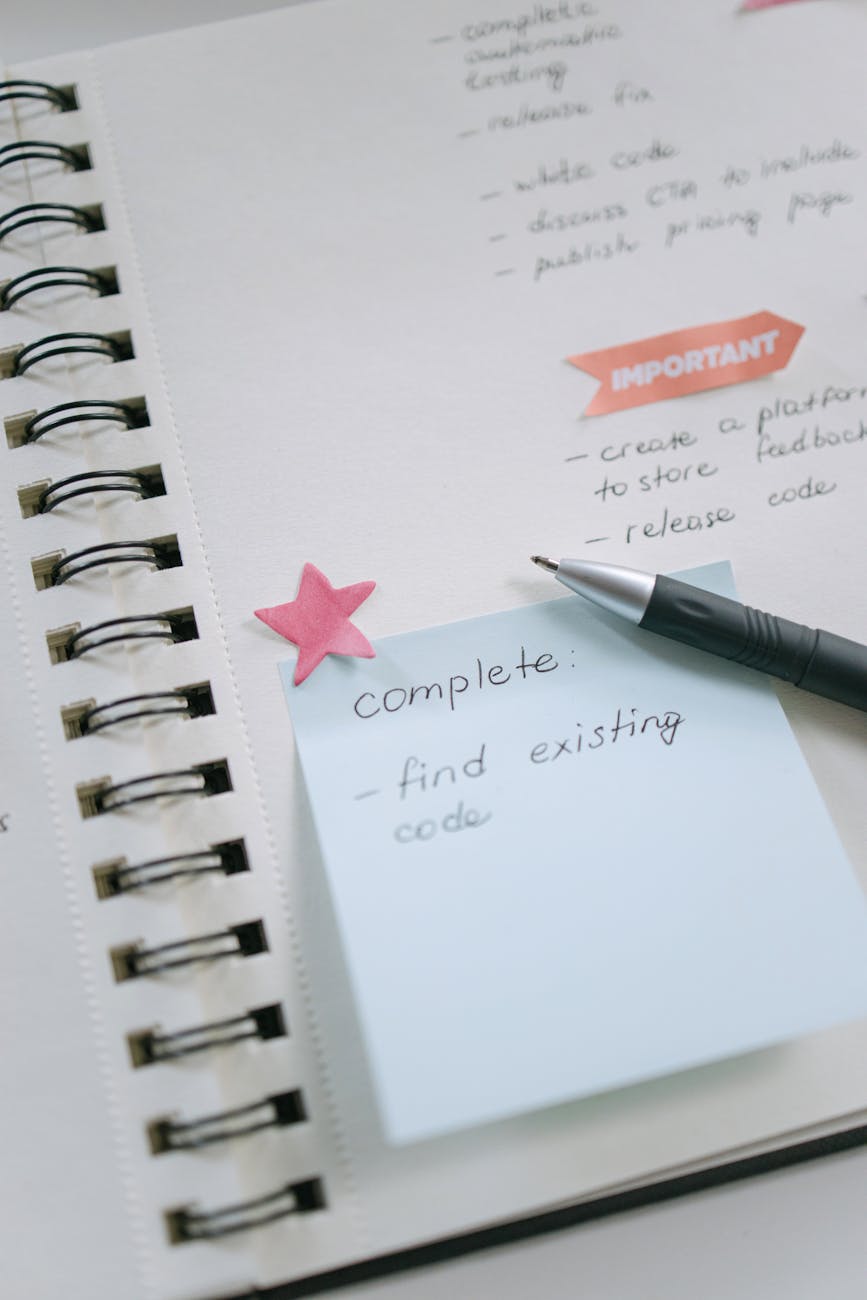
A Trello setup visualizing task completion, ideal for tracking team progress and facilitating daily stand-ups in an agile environment.
Leveraging Trello's Collaboration Features for Remote Teams
Trello offers a comprehensive suite of features specifically designed to foster collaboration and teamwork within remote environments.Brainstorming and Idea Generation with Trello
Create a dedicated Trello board specifically for brainstorming sessions. Use cards to capture ideas and suggestions from all team members.Conducting Remote Meetings and Stand-ups Using Trello
Utilize a Trello board to track meeting agendas, action items, and key decisions. Conduct virtual stand-up meetings using Trello to review progress, identify potential roadblocks, and plan the day ahead.Sharing Files and Documents Seamlessly
Attach files directly to Trello cards for easy access and reference. Integrate with cloud storage services to seamlessly share files and documents with your entire team.Voting and Decision-Making within Trello
Utilize the Voting Power-Up to efficiently gather team opinions and make well-informed decisions. Base your decisions on team feedback and data collected directly within Trello.Advanced Trello Tips and Tricks for Remote Collaboration
Elevate your Trello proficiency with these advanced tips and tricks: Create custom fields to track specific data points relevant to your projects, such as budget allocation, project status, or priority level. Explore and implement Power-Ups to enhance Trello's functionality and tailor it precisely to your team's specific needs. Use Trello boards to meticulously document processes, procedures, and best practices, creating a centralized knowledge base readily accessible to your team. Establish a clear system for archiving old boards and cards to maintain a clean and well-organized Trello workspace.Conclusion: Building a Future of Seamless Remote Collaboration
Trello transcends the limitations of a mere project management tool. It's a powerful collaboration platform that empowers remote teams to work together effectively, regardless of geographical barriers. By implementing the strategies and tips outlined in this guide, you can unlock Trello's full potential and cultivate a more productive, collaborative, and engaged remote team. The true power of Trello lies not just in its features, but in its ability to foster a culture of transparency, accountability, and open communication within remote teams. By embracing these principles and leveraging Trello effectively, you can build a future where remote collaboration is not just a necessity, but a competitive advantage.
Feeling overwhelmed? Trello can help you organize your remote team and projects for better collaboration and success.